USB-C. Data, video, power
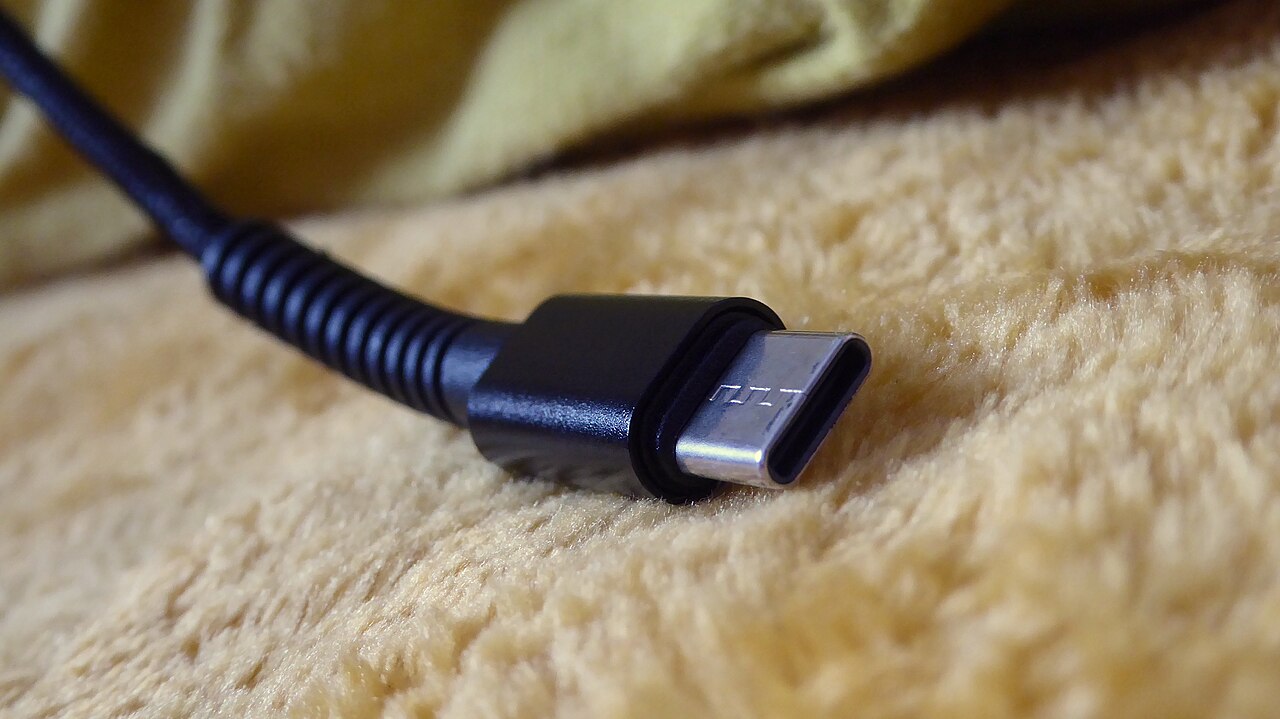
USB-C is a shape. Features vary by device.
Fast checks
- Look for a lightning icon. Often signals higher feature support.
- Look for DisplayPort logo. Often signals video output support.
- Look for SS marking. Signals higher speed USB modes.
Cable rules
- Charging works with most USB-C cables, speed differs.
- Video needs a port with video support and a cable rated for it.
- High watt charging needs an e-marked cable.
Hub rules
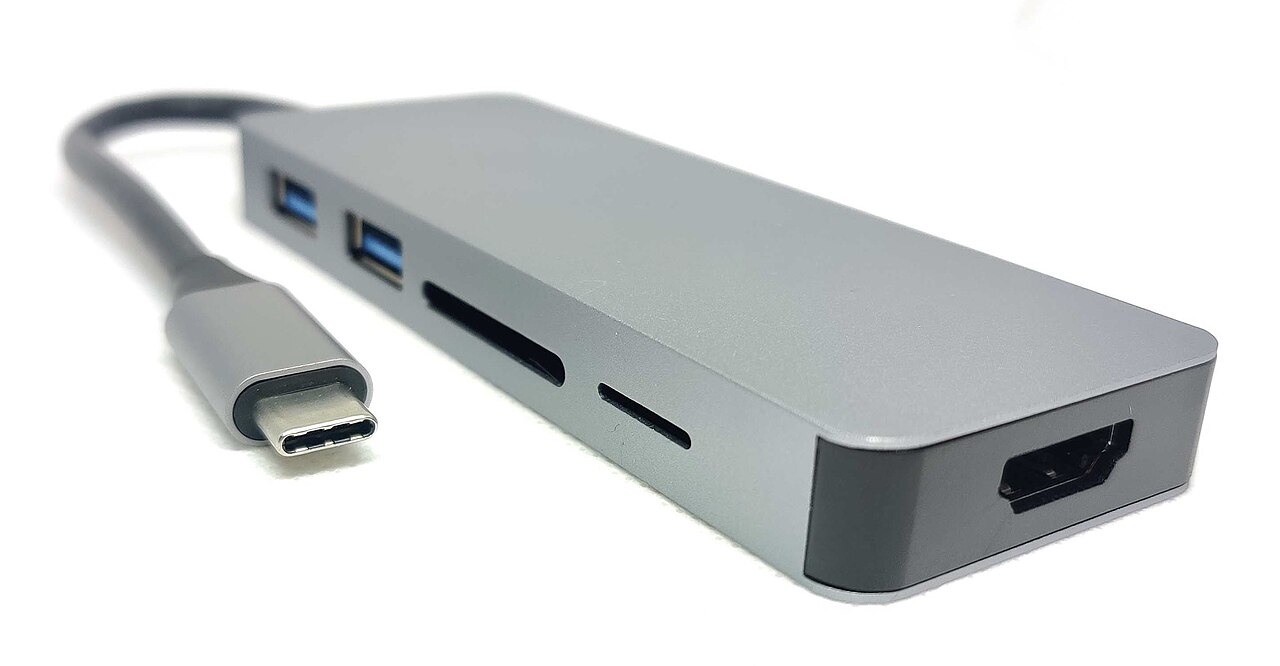
- A hub cannot add video support if the port lacks it.
- 4K at higher refresh needs higher bandwidth.
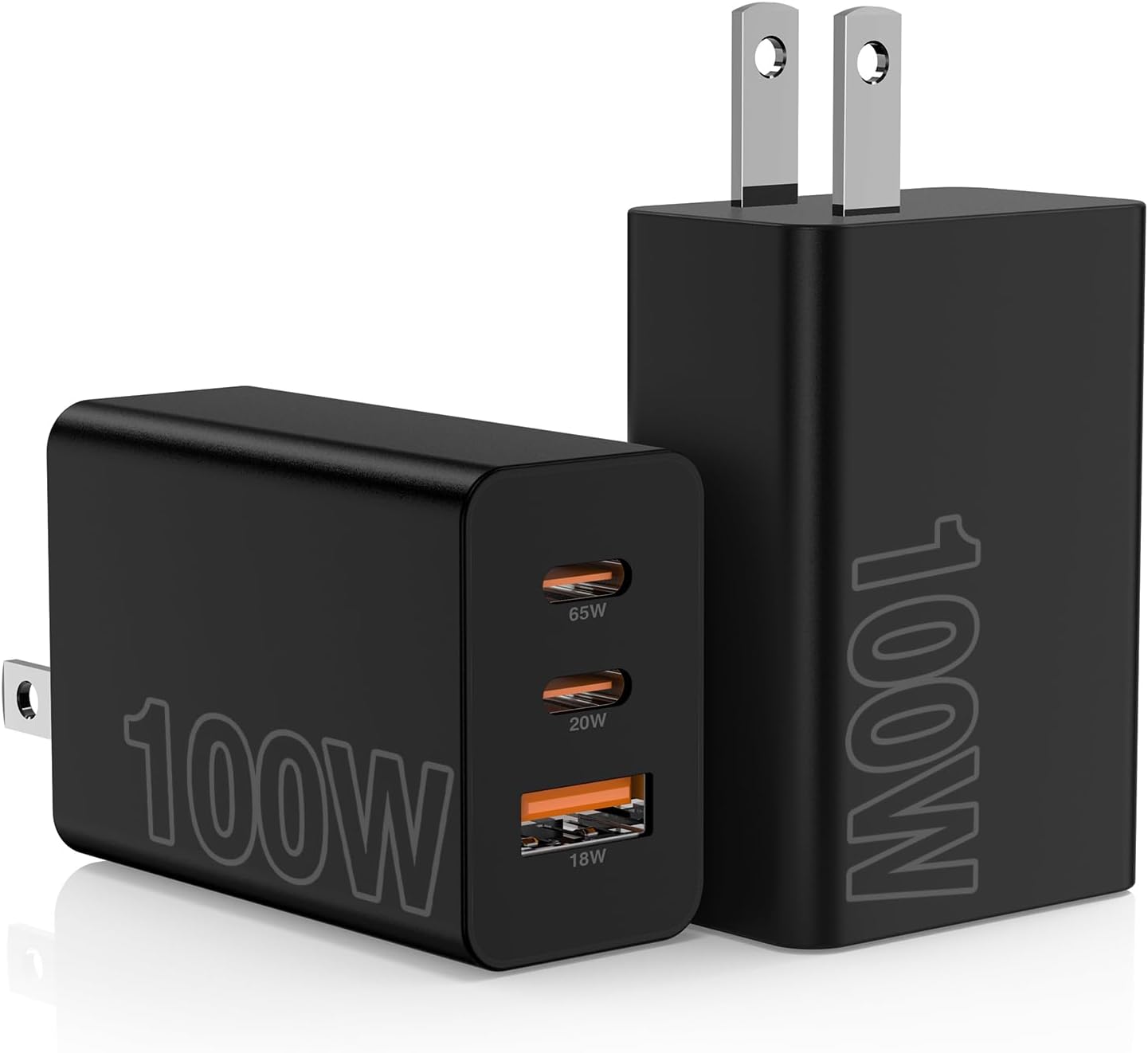
- Power pass-through needs a charger with enough watt rating.
Next
HDMI limits matter after USB-C video.
HDMI guide
Related
Dock checklist for laptops.
Dock guide